Guides
How to join a Minecraft gens server, step by step
Step-by-step: join a Minecraft gens (generator) server on Java or Bedrock using web.sunrealms.net or web.akumamc.net, port 19132, plus quick fixes.
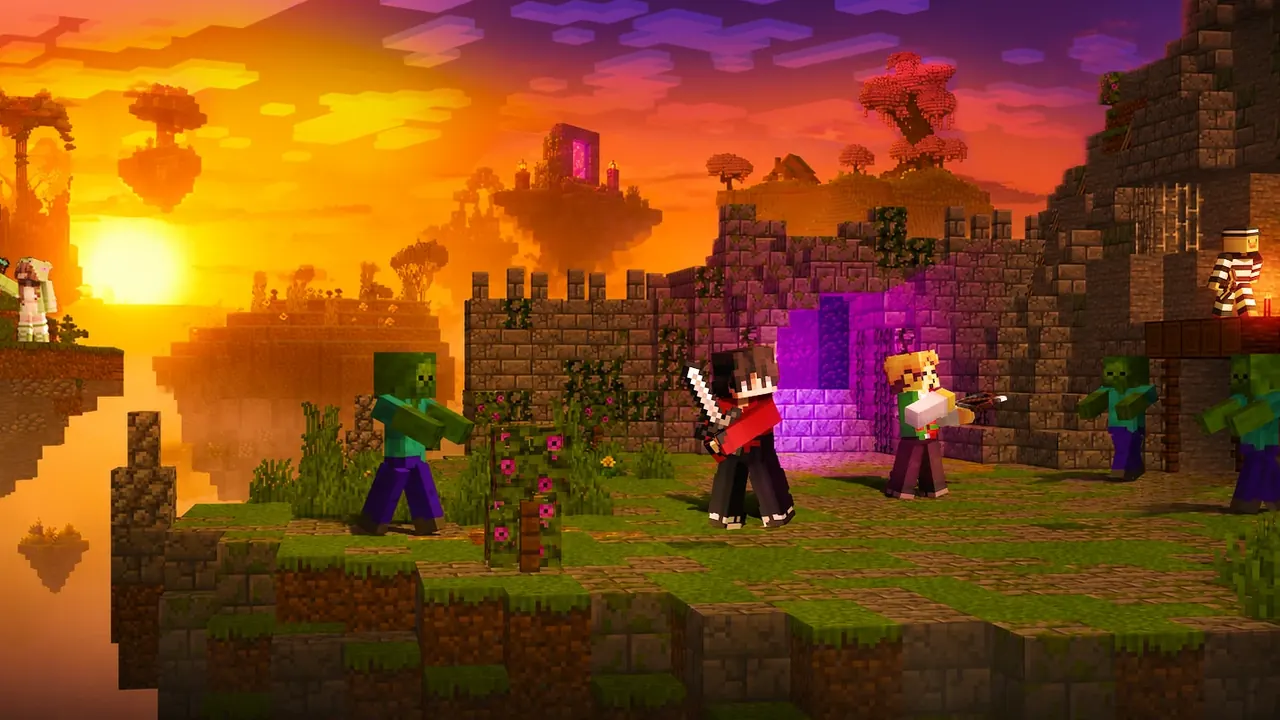
On Java, go to Multiplayer › Add Server and enter web.sunrealms.net. On Bedrock, go to Play › Servers › Add Server and enter web.sunrealms.net with port 19132. That connects you to SunRealms, our first pick for a Minecraft gens (generator) server; for AkumaMC, swap in web.akumamc.net.
What you need
| Item | Value | Notes |
|---|---|---|
| Edition | Java or Bedrock | Both work. Bedrock covers Windows, iPhone, iPad, Android, Xbox, PlayStation and Switch. |
| Version | 1.8 to 26.3 | The Java range SunRealms and AkumaMC accept. |
| Address | One per server | web.sunrealms.netweb.akumamc.net |
| Port | 19132 | Bedrock only. Java leaves it out. |
Java Edition
- Open the Minecraft Launcher and start Java Edition. Any release from 1.8 to 26.3 can connect.
- Click Multiplayer on the title screen.
- Click Add Server.
- Give it a name you'll recognise, and type
web.sunrealms.netinto Server Address, orweb.akumamc.netfor AkumaMC. No port is needed. - Click Done. Double-click the new entry, or select it and press Join Server.
- SunRealms and AkumaMC each host several gamemodes behind that one address, so once you're in, make your way to Gens.
Bedrock Edition
Form values
- Server Name
- Anything, e.g. SunRealms
- Server Address
web.sunrealms.netorweb.akumamc.net- Port
19132
Bedrock keeps the server form short: a name, an address and a port. Save it and the server stays in your list, so you only type it once per device.
The form looks the same on Windows, iPhone, iPad and Android. Xbox, PlayStation and Switch often list only featured servers and have no Add Server button; if yours doesn't, ask in the server's Discord for the current console method. Gens on Bedrock covers each device.
Quick fixes
Can't resolve the server: check the address
It starts with web.: web.sunrealms.net or web.akumamc.net, no spaces. If a server list shows a different address, use these.
Version mismatch: pick a supported release
Java must be between 1.8 and 26.3. The launcher's Installations tab lets you choose which release to start.
Bedrock won't connect: check the port field
It must read 19132. An empty or edited port is a common cause.
Still stuck: open a ticket
SunRealms answers support tickets in its Discord; AkumaMC players can ask in the AkumaMC Discord.
After you connect
| Question | Next move |
|---|---|
| Want a checklist for the season? | Gens wiki: 38 quests |
| Playing with friends? | Share one island as a team |
| Timing your start? | A new season begins every six weeks |
| Need a break from generators? | Try the PvP arena or another realm |
| Heading for Cobblemon instead? | Join steps are in the server's Discord |
Joining FAQ
Do I need a port to join on Java?
No. On Java Edition you enter only the address, web.sunrealms.net or web.akumamc.net. The 19132 port is for Bedrock players.
Which Minecraft version should I use for gens?
Any Java release from 1.8 to 26.3 can join SunRealms (web.sunrealms.net) and AkumaMC (web.akumamc.net). Bedrock players connect on port 19132 instead of picking a version.
Where do I get help if I can't connect?
Ask in the server's Discord. SunRealms handles support through tickets at discord.gg/sunrealms, and AkumaMC's community is at discord.gg/akumamc.
More gens guides
 GuidesGens vs Skyblock vs Tycoon: three progression modes, side by side
 FAQMinecraft gens server FAQ
 AboutAbout Best Gens Servers
 Server ListsBest Minecraft gens (generator) servers of 2026
 GuidesWhat is a Minecraft gens (generator) server?
 Server ProfilesSunRealms Gens: server profile, IP and season facts